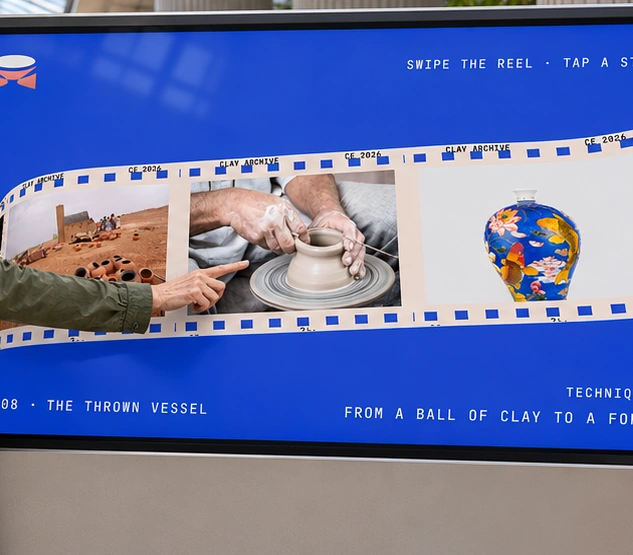
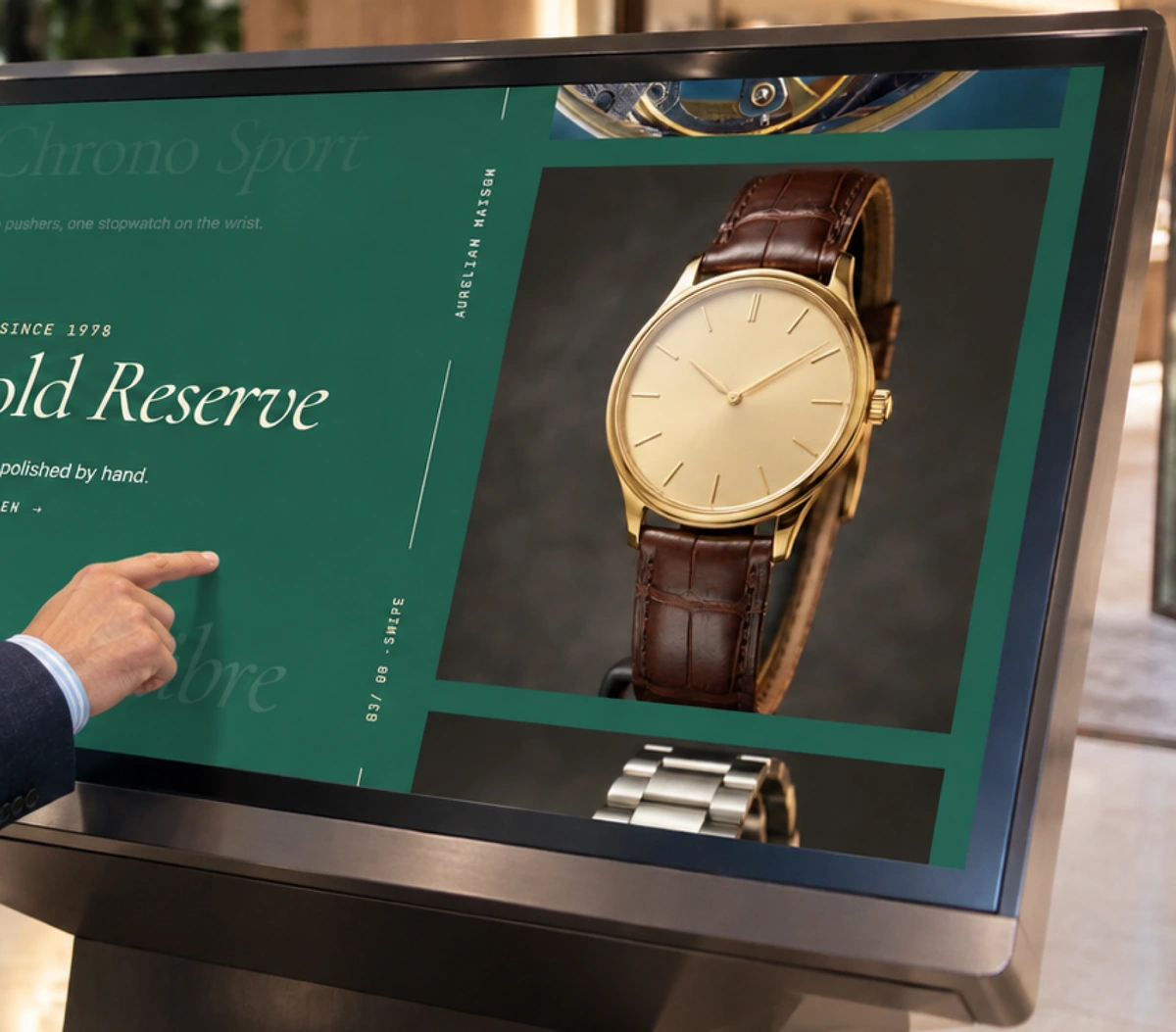
Showrooms & reception areas
Show customers your products, services or completed work.

 Book a demoShowcase / weevnow templates
Browse content as a deck of cards
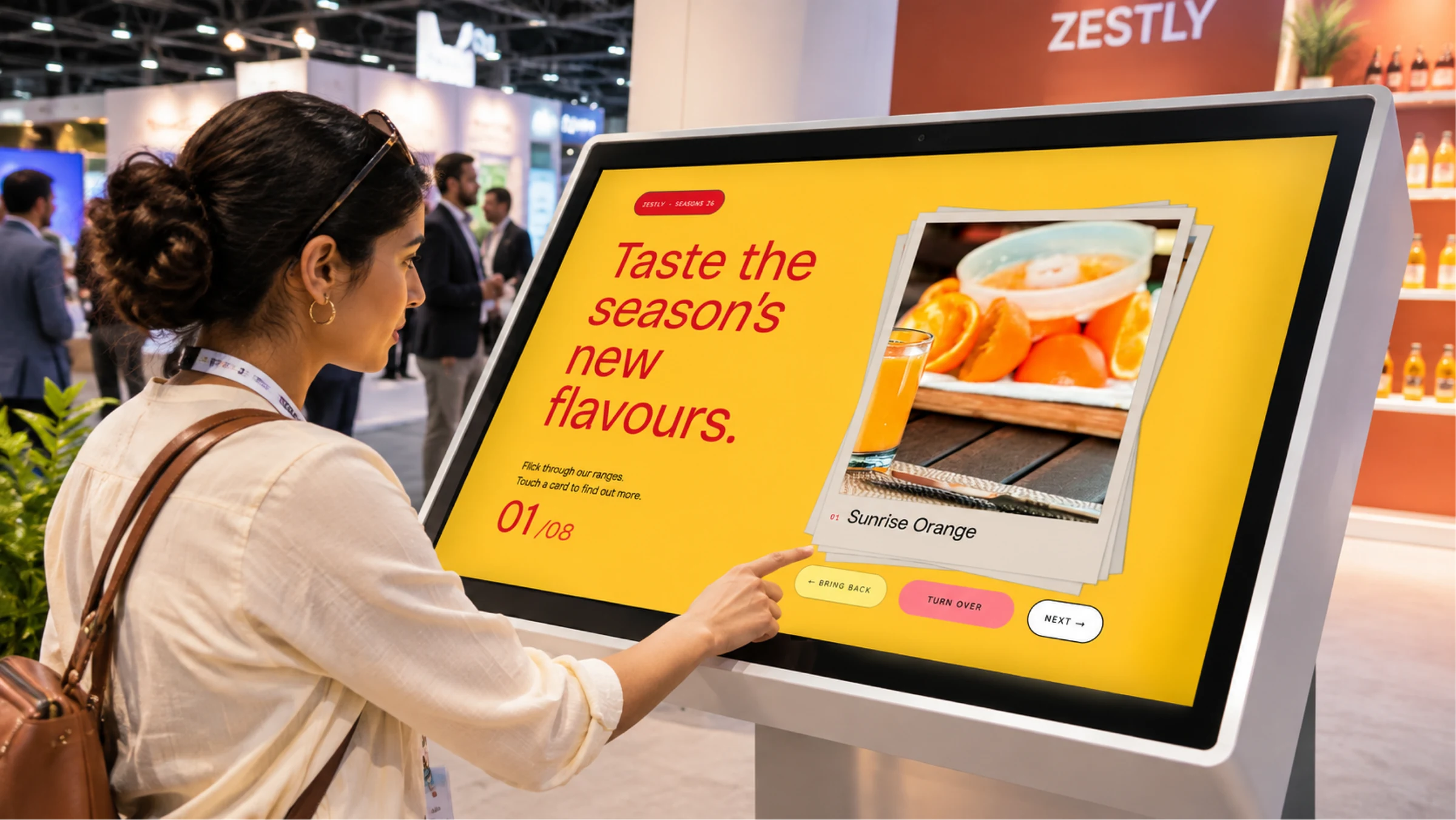 Illustrative preview
Visitors browse your work, products or stories in the template’s display layout.
Get help choosing and setting up this template during beta.Check equipment compatibility, screen orientation and available space before installation.
Suggested uses for Card Gallery.
Show customers your products, services or completed work.
Give visitors a way to browse your main products or project highlights.
Prepare your content and brand files. We’ll show you which settings you can edit in this template.
Choose the images and text you want visitors to see.
Have your logo file, brand colours and any brand guidelines ready.
Ask which controls and settings you can edit in this template.
List the languages your visitors need and prepare the translated text.
Plan your space, equipment and content before you install the experience.
Allow room for the screen, any camera or controls, and the people using them. Plan where visitors will stand, move and walk past.
Touchscreen for touch controls; display with compatible gesture tracking for gesture controls. Check that your display, controls and Windows computer are compatible with the template before installation.
Your images, short descriptions, logo and brand colours.
Run the experience in weevnow Player on Windows. Project files stay on the computer. Internet is needed for activation; playback can then run offline. Check connectivity for analytics and other connected features.

Ask weevi what equipment you need, how much space to allow or what content to prepare for Card Gallery.
weevi is a guided preview. Our team can confirm exact specifications and template availability.
Answers about equipment, content and getting started.
Touchscreen for touch controls; display with compatible gesture tracking for gesture controls. Screen setup: Small kiosk / Large screen. You also need a Windows computer running weevnow Player. Check equipment compatibility and the required screen orientation before installation.
Plan access to the touchscreen, or a clear movement area for gesture controls. The exact area depends on your screen and controls. Allow space for people to use the experience comfortably, including any movement it requires, and keep walkways clear.
Your images, short descriptions, logo and brand colours.
Yes. weevnow Player keeps the project files on your Windows computer. You need internet to activate it, then it can play offline. Analytics and other connected features may need internet.
Book a demo or request beta access. We’ll check whether the template is available, show you how to edit it and help you set it up.